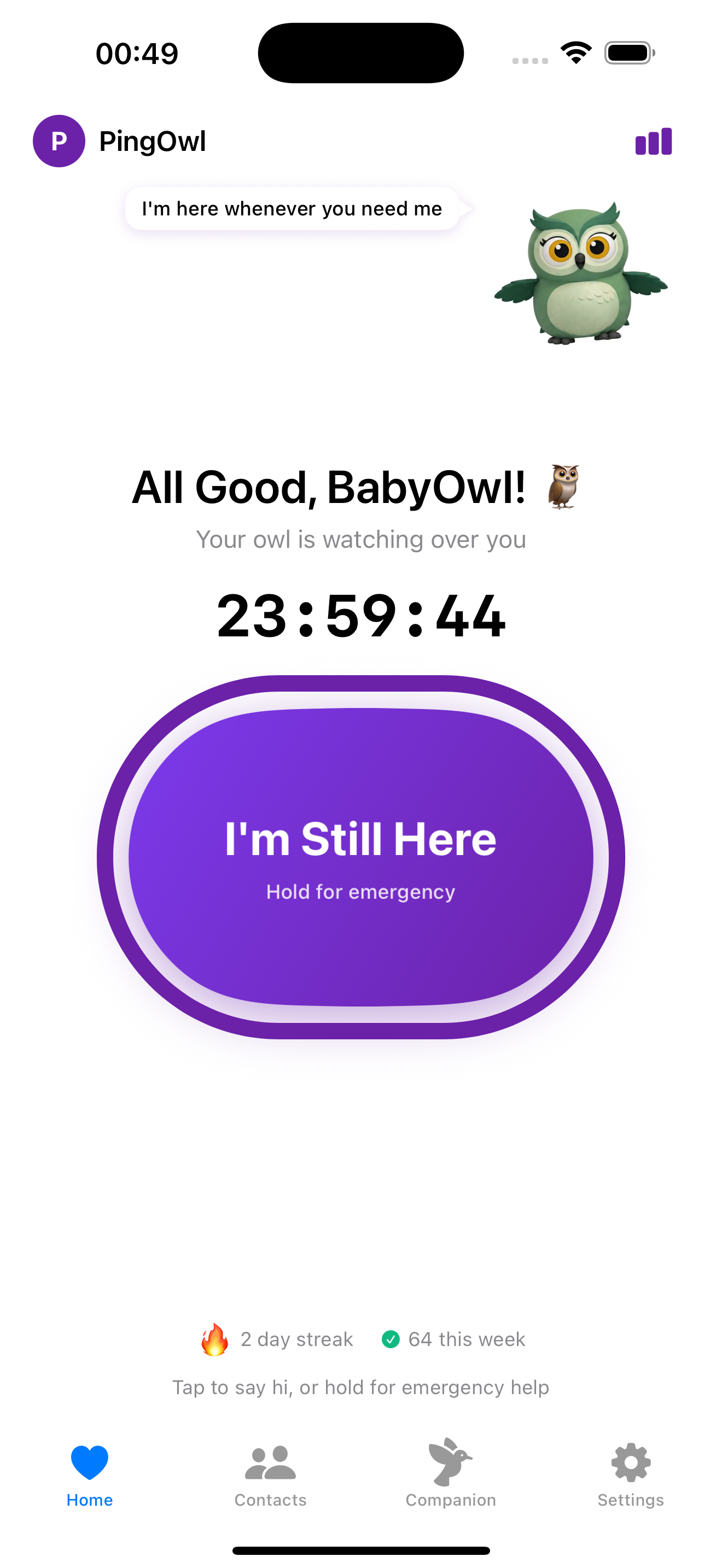
An AI companion that calls your loved ones daily.
PingOwl schedules friendly AI calls to elderly parents, covers their reminders, and keeps you informed. Care from anywhere.
How It Works
Set up in minutes, care for years
Getting started with PingOwl is simple. Your loved one just needs to answer the phone.
Add your loved one
Enter their name, phone number, and any important context about their routine, medications, or topics they enjoy.
Schedule calls
Choose when PingOwl should call: daily morning check-ins, medication reminders, or weekly companion chats.
AI calls them
At the scheduled time, our warm AI voice calls your loved one, covers their reminders, and engages in friendly conversation.
You get summaries
After each call, receive a brief summary of how they're doing, what was discussed, and any concerns to follow up on.
Sample Call Transcript
"Good morning, Margaret! This is PingOwl calling. How are you feeling today?"
"Oh, hello! I'm doing well, thank you. A bit tired but good."
"I'm glad to hear that. Just a gentle reminder - have you taken your morning blood pressure medication yet?"
"Oh my, I almost forgot! Let me go take it right now."
"Perfect! Your daughter Sarah wanted me to tell you she'll be visiting this Saturday. She's looking forward to your famous apple pie!"
Calling Modes
Three ways to care for your loved ones
Choose the calling mode that fits your family's needs. Mix and match for comprehensive care.
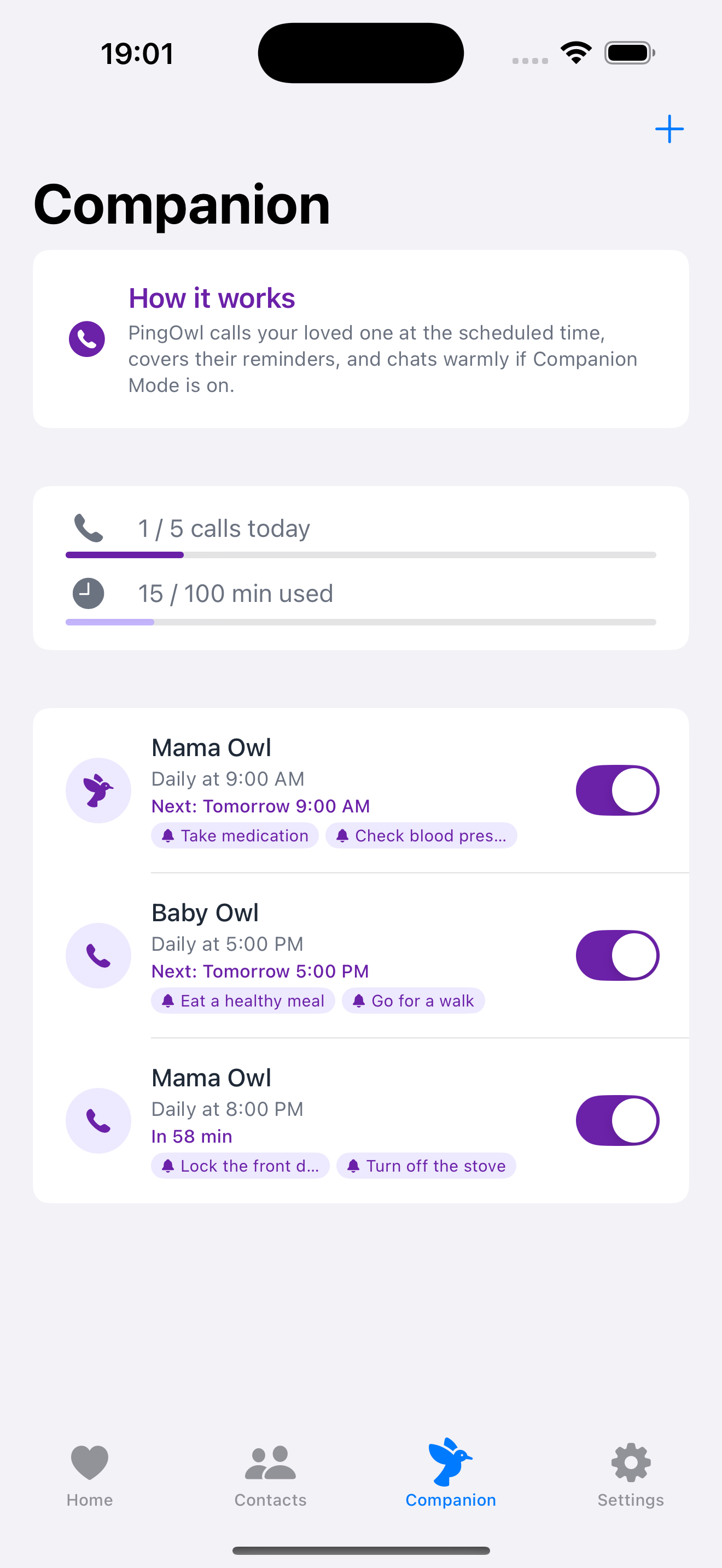
Companion Calls
Warm conversations
More than reminders. The AI engages in friendly conversation, asks about their day, and provides companionship for those who live alone.
- Natural conversations
- Daily check-ins
- Emotional support
- Memory prompts
Everything you need for connected care
Flexible Scheduling
Set call times that work for your loved one's routine. Morning, afternoon, or evening.
Family Dashboard
Multiple family members can view call summaries and stay informed together.
Smart Conversations
AI remembers past conversations and adapts to your loved one's personality.
Call Summaries
Get brief summaries after each call so you know how they're doing.
Personalized Topics
Add conversation starters, family updates, or topics they enjoy discussing.
Smart Reminders
The AI naturally weaves reminders into conversation without feeling clinical.
Pricing
Simple, transparent pricing
Start free with basic check-ins. Upgrade for AI companion calls that keep your loved ones connected and cared for.
Free
Basic safety check-ins for personal use
- Manual check-in timer
- 1 emergency contact
- SMS alerts when you miss
- Lock screen widget
- Basic streak tracking
- Hold for emergency feature
Pro
Enhanced features for peace of mind
- Everything in Free
- Up to 5 emergency contacts
- Custom check-in intervals
- Priority SMS delivery
Companion
AI calling for elderly care
- Everything in Pro
- Daily AI phone calls
- Medication reminders
- Companion conversations
- Call summaries for family
- Family dashboard access
- Personalized topics
- Priority support
Questions about pricing? Contact our team
Who It's For
Built for families who care from anywhere
PingOwl was designed for anyone who wants to provide consistent, caring support to elderly loved ones without being there 24/7.
Adult children with aging parents
Stay connected with mom or dad without constant check-in calls. PingOwl handles the daily touchpoints so you can focus on quality time.
Caregivers managing multiple clients
Scale your care with AI assistance. Get call summaries, track medication compliance, and never miss a check-in.
Long-distance family members
When you can't be there in person, PingOwl bridges the gap. Daily calls keep your loved one engaged and you informed.
Senior living communities
Supplement your staff with AI wellness calls. Identify concerns early and maintain consistent resident engagement.
What families are saying
"My mom actually looks forward to her PingOwl calls now. She says the AI is more patient than I am!"
Sarah M.
Daughter caring for her 78-year-old mother
"The medication reminders have been a game-changer. Mom hasn't missed her blood pressure pills in three months."
Michael R.
Son living 500 miles away
"I was skeptical about AI calling my father, but the conversations are surprisingly natural. He enjoys the companionship."
Jennifer L.
Caregiver for elderly father
Give your loved ones the care they deserve
Download PingOwl today and let our AI companion call your elderly parents with warmth, reminders, and connection. Start free, upgrade anytime.